Users, Collaboration, and Support
Company Users
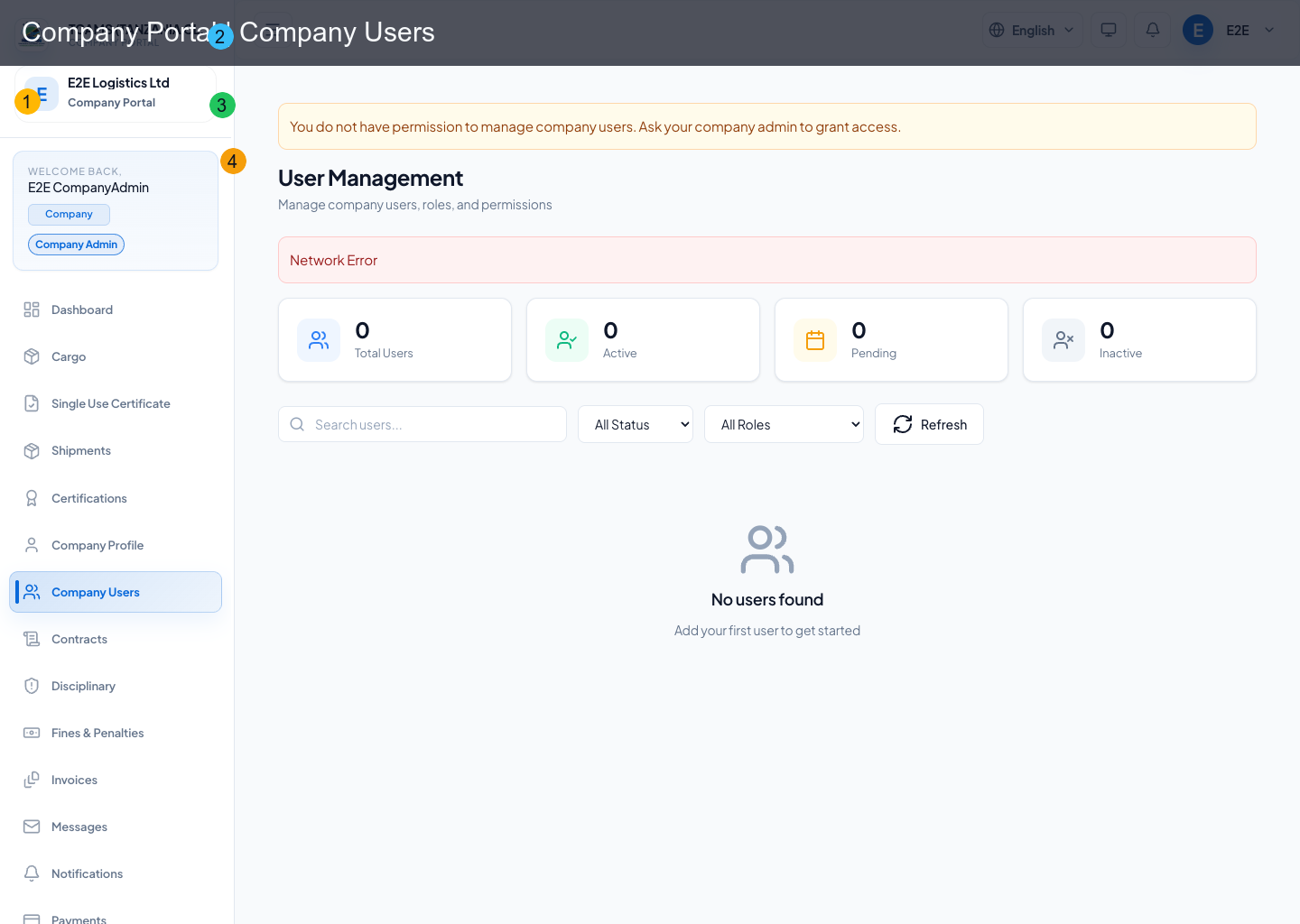
Company admins can manage workspace users and assign role-based access.
Key outcomes:
- user-level permission scoping
- reduced unexpected
403experiences by aligning visible modules to role rights - backend-supported search across user identity and role fields
- paginated results with whole-company totals kept separate from the current page
Search, status, and role filters are applied by the API before pagination. The four user summary cards always describe the full company workspace, while the table range describes the current filtered page.
Add and maintain a company user
- Confirm that the person needs a separate account; never create shared team credentials.
- Select Users, add the user’s verified business email, and assign only the role required for current duties.
- Send the invitation and ask the user to complete identity setup privately.
- After first sign-in, confirm that permitted modules appear and restricted modules remain inaccessible.
- Review user access when duties change, employment ends, or an account becomes inactive.
Use suspension or deactivation for temporary or permanent loss of access according to company policy. Preserve the audit trail and avoid deleting an identity merely to remove access. Password reset sends a secure identity action; administrators should not set or request the user’s password.
Linked Customers
Company admins can open the linked customers workspace to:
- onboard a new customer directly from company portal
- link an existing platform customer to the company
- manage a customer relationship where one customer can be linked to multiple CFAs
- launch customer-facing actions (messages, contracts, invoices) from the linked customer context
- page through linked-customer results without loading the full relationship list into the browser
Link the right customer
Search by the customer’s verified email or platform identifier and confirm name and organization before linking. Explain the relationship and intended uses to the customer. If no existing record matches, use the onboarding path once and monitor the invitation. A single customer can work with several CFAs; linking does not justify copying or exposing another CFA’s private records.
Messages
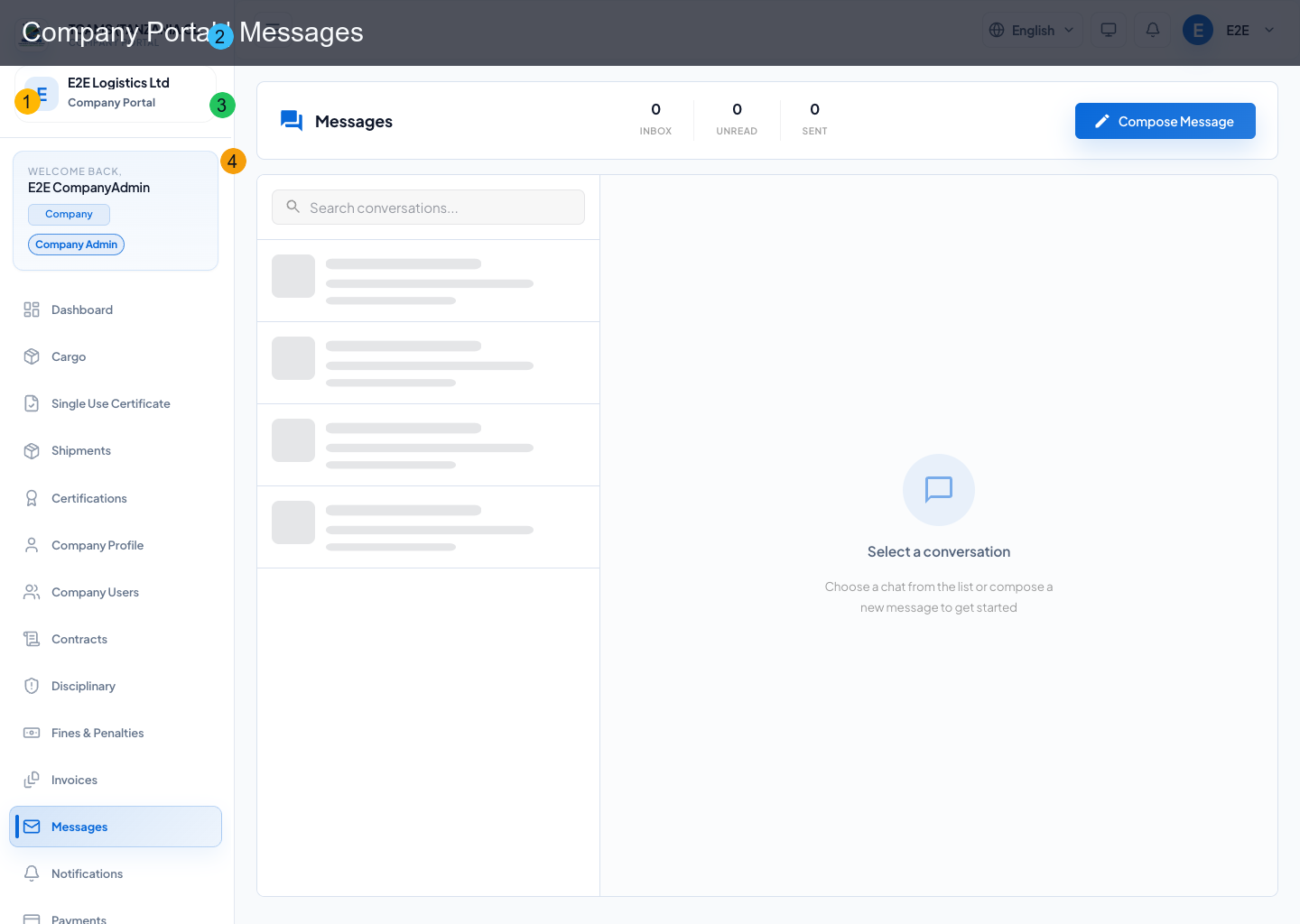
Messages module provides realtime conversation channels for company operations.
Typical actions:
- open conversation threads
- send and receive messages in real time
- follow up on operational issues with internal/external parties
Keep each conversation focused and include the declaration, invoice, contract, or support reference in the subject or opening message. Verify recipients before attaching documents. Use the existing thread for follow-up so other authorized team members can understand the decision trail.
Notifications
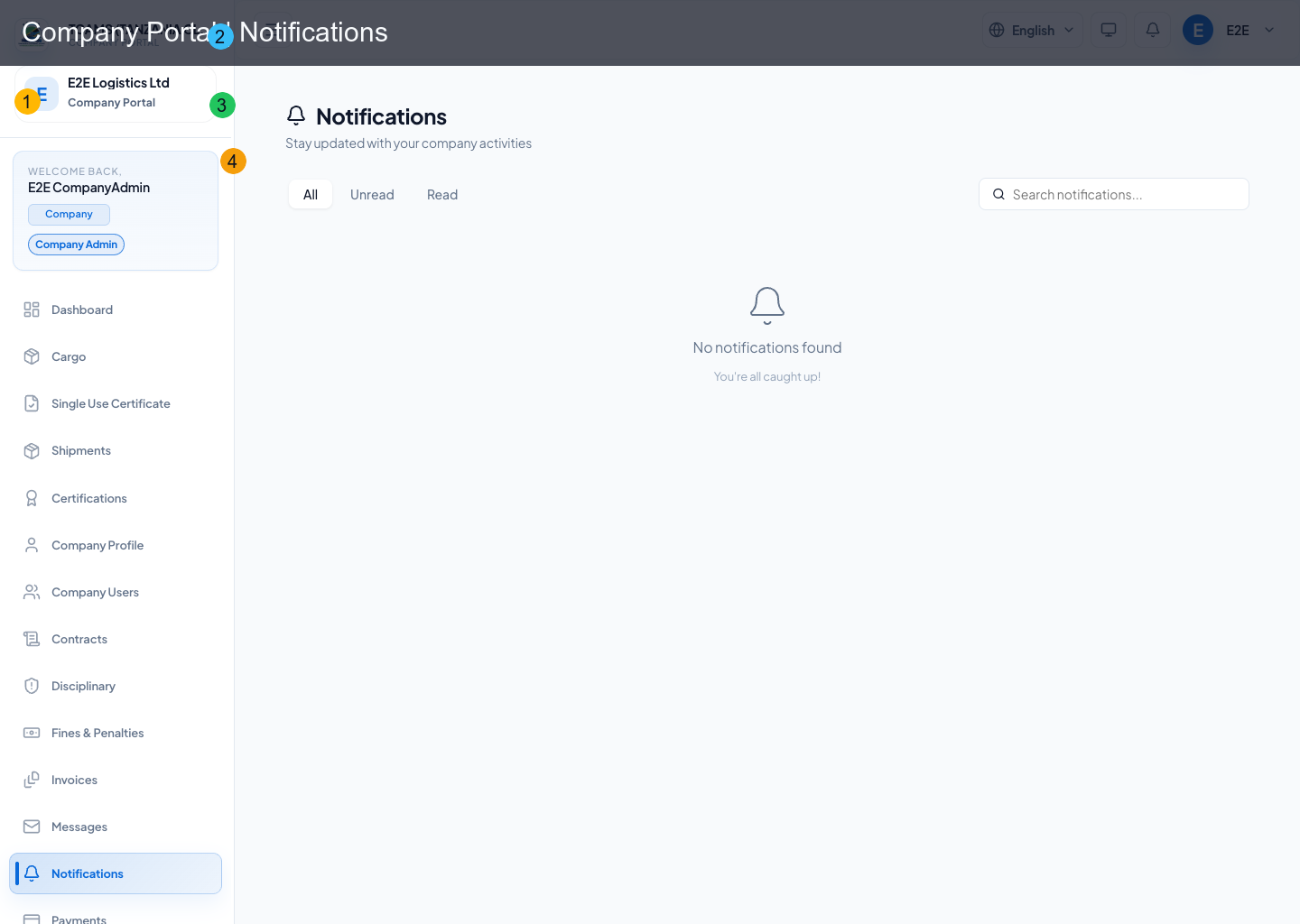
Notifications module provides:
- unread/all alert visibility
- action-driven deep links
- acknowledgement/read progression
Support
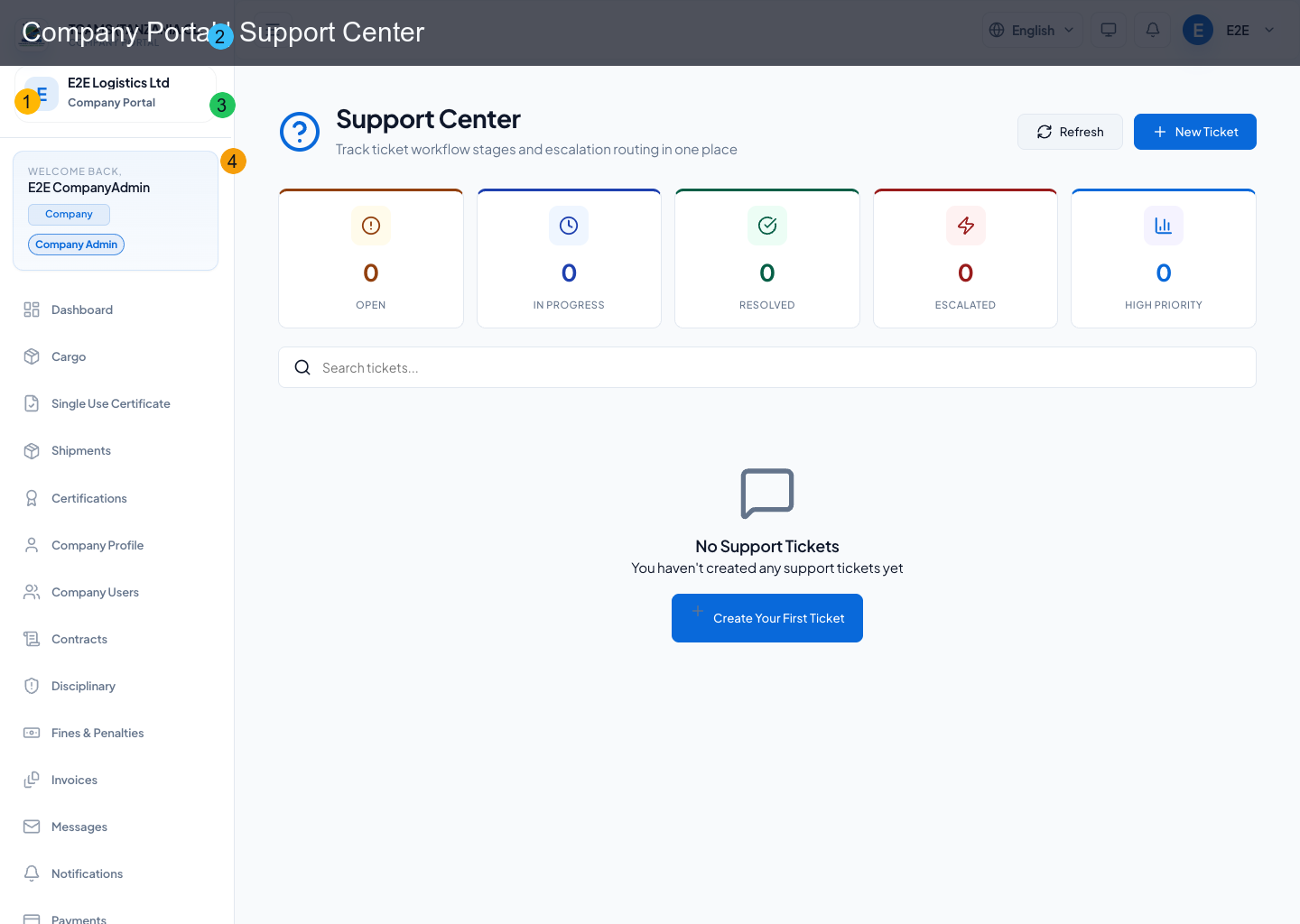
Support center handles issue lifecycle:
- create support ticket
- categorize and prioritize issues
- follow ticket updates
- continue message thread on active ticket
Create one ticket per incident. Include the portal route, company and record identifiers, exact time and time zone, expected result, actual result, and a minimal screenshot with sensitive information removed. Use priority to reflect operational impact. Add new facts to the same ticket and verify the affected workflow before accepting resolution.
Training
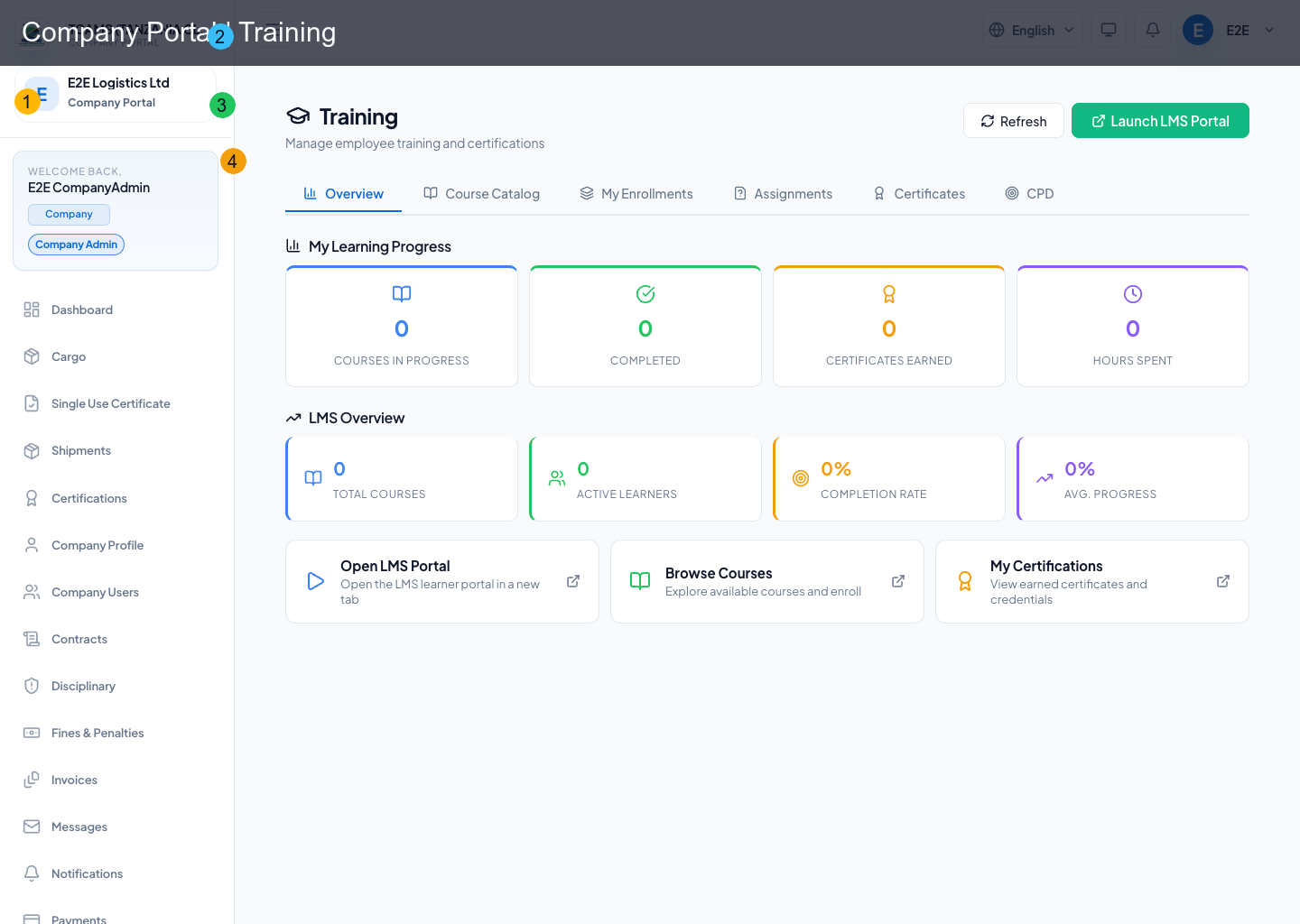
Training module provides LMS access, course discovery, enrollments, assignment tracking, course progress, certificates, and paid-course checkout where enabled.
Typical training flow:
- open Training
- review assigned or available courses
- open course detail
- enroll or continue learning
- complete modules and assignments
- pay course fees through CapitalPay when the course requires payment
- download or view completion certificate where available
The Launch LMS Portal action opens the dedicated LMS portal configured for production.
Admin Support From Association
Association support users can enter company support mode only when policy and consent allow it. When a support user is acting for a CFA, the company portal should show support context and the resulting actions are auditable.