Customer Portal User Guide
This guide covers the customer workflow in TCAMS, from access and onboarding to company discovery, document work, invoices, feedback, and support.
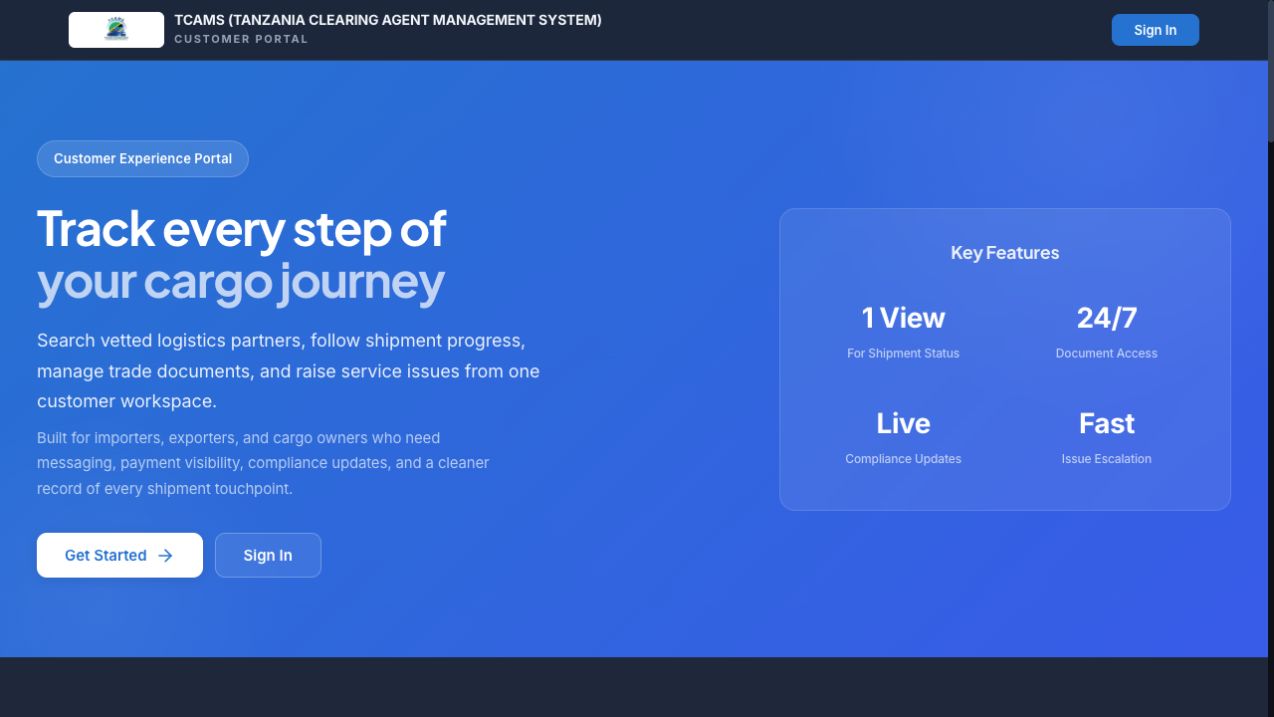
The image above shows the Customer Portal landing page as it appeared on 15 July 2026. Authenticated workflow images elsewhere in the guide are annotated training captures; labels and available actions can vary with account permissions and tenant configuration.
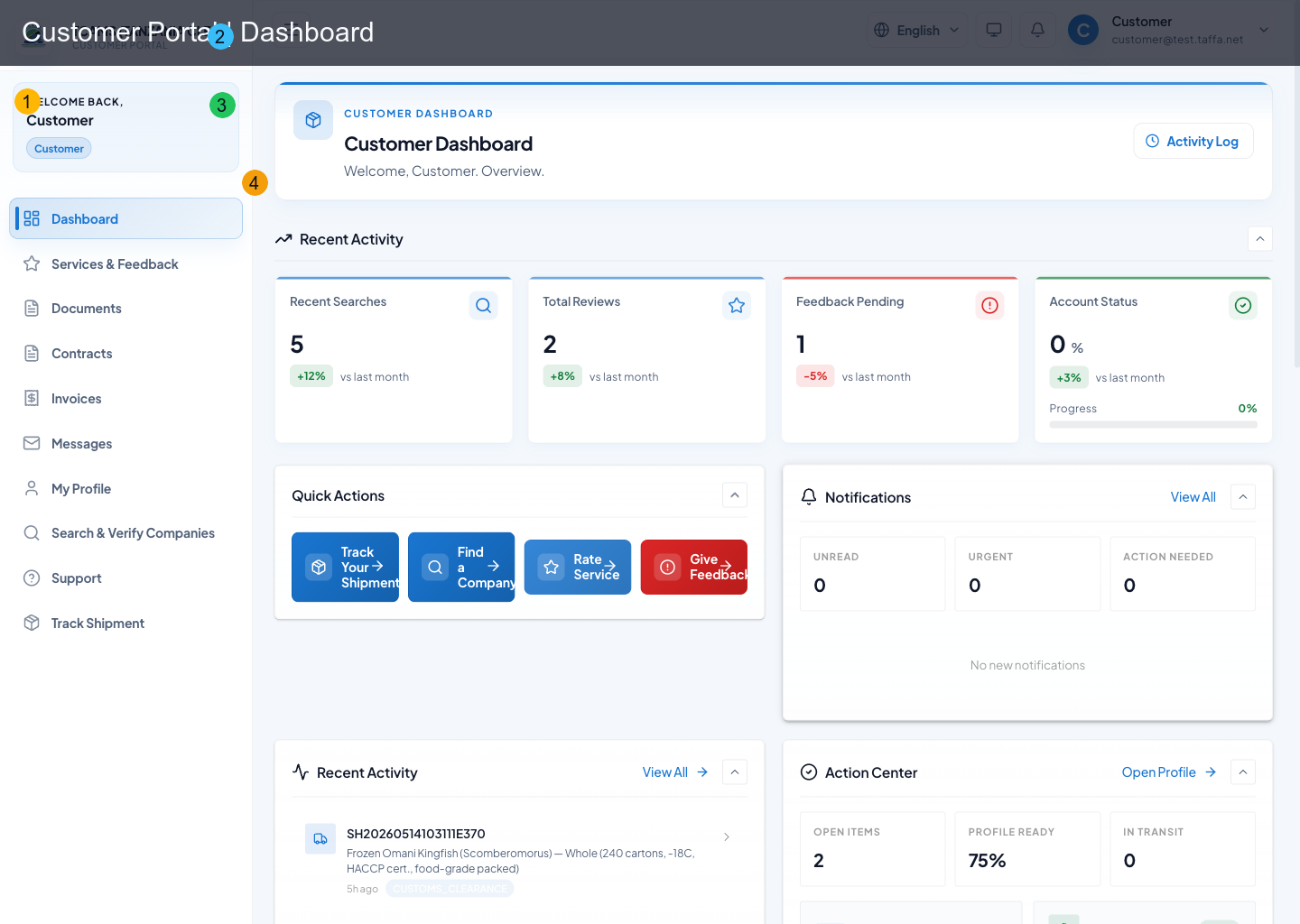
What You Can Do in Customer Portal
- sign in with your customer account and complete profile/security setup
- self-register as a customer or complete CFA onboarding via email actions
- discover and verify companies before engaging
- upload and manage customer-facing documents
- review contracts and upload signed copies
- view invoices and complete payments
- message service providers and receive real-time updates
- manage alerts and support tickets
- rate CFA-delivered services and raise complaints
Functional Map
| Area | Route | Core actions |
|---|---|---|
| Access & onboarding | /, /register |
sign in, self registration, CFA onboarding completion, back-to-home |
| Dashboard | / |
quick actions, activity summary, unread notifications |
| Search companies | /search |
directory search, filters, detailed company view |
| Services & feedback | /feedback |
ratings, complaints, ratings history, complaints history |
| Documents | /documents |
search/filter docs, upload, bulk upload, version history |
| Contracts | /contracts |
status filter, signature flow, in-app sign, signed copy upload |
| Invoices | /invoices |
status filtering, single pay, bulk pay, receipts |
| Messages | /messages |
realtime chat, compose new message, unread state |
| Notifications | /notifications |
unread/all filter, mark read, delete, deep-link actions |
| Support | /support |
FAQs, create ticket, ticket chat, ticket follow-up |
| Profile & security | /profile |
profile edits, preferences, 2FA, passkeys, sessions |
Screenshot Legend
All annotated screenshots in this guide use the same numbered markers:
- sidebar navigation
- header controls
- current workspace
- page-specific focus area