Profile, Security, and Preferences
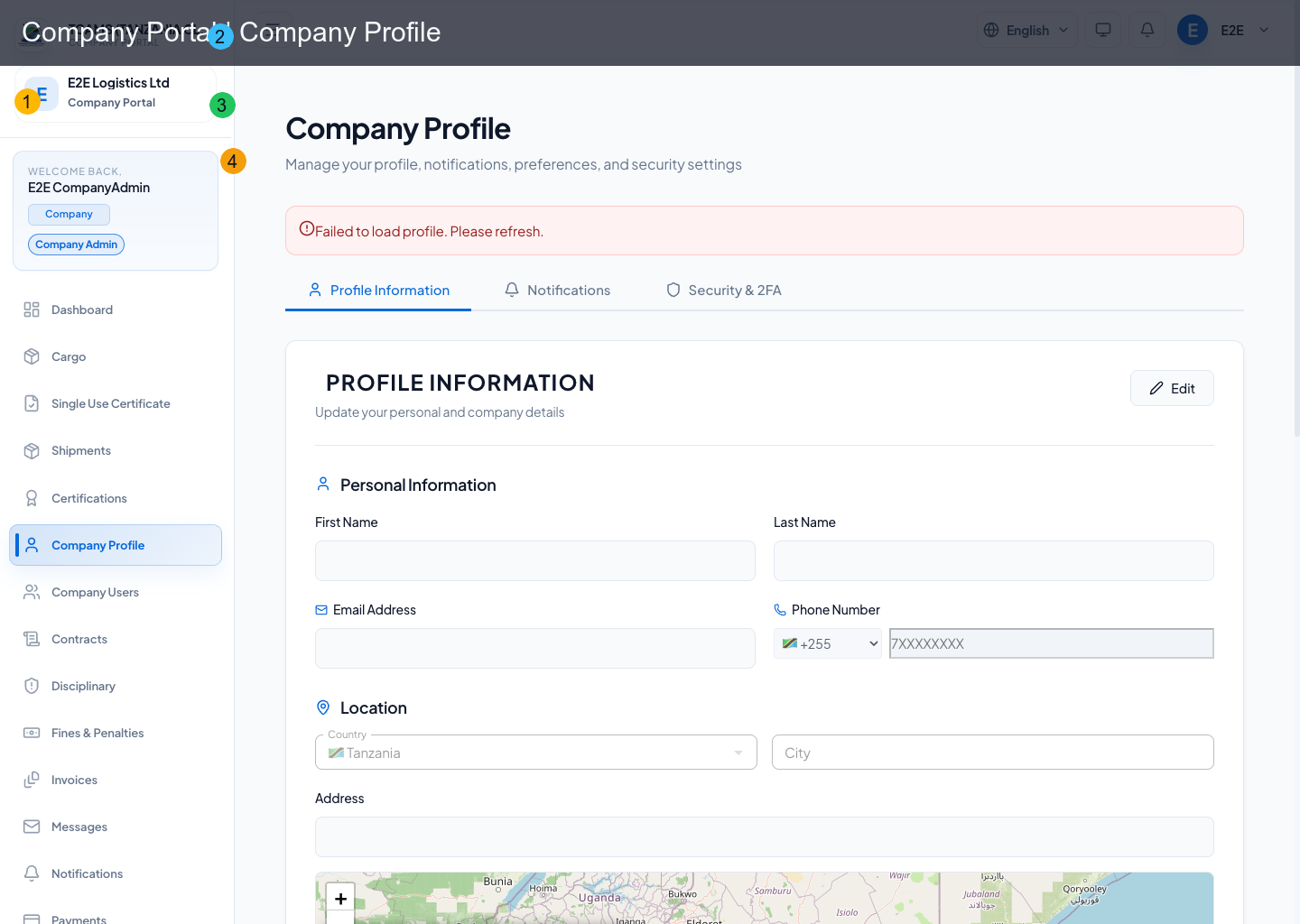
Company profile consolidates organization details, notification controls, preferences, and security actions.
Company Profile Data
Company profile captures and maintains:
- legal/company identity details
- regulatory identifiers (for example TIN/tax IDs)
- core contact and address data
Maintain the company profile
- Compare the legal name, registration details, address, contacts, and logo with current company records.
- Update only information you are authorized to change and save each section deliberately.
- Reopen the profile to confirm that the server accepted the update.
- If a legal or regulatory identifier is locked, follow the association correction process instead of placing a different value in an unrelated field.
- Notify relevant administrators when a change affects invoicing, certificates, support contacts, or public company discovery.
Notifications and Preferences
Users can configure:
- notification channel preferences
- language, timezone, and display preferences
Security Center
Security section includes:
- password reset link email action
- 2FA setup email action
- passkey registration (WebAuthn/passwordless)
Administrators should require individual accounts, strong authentication, and role review. A role change affects navigation and server authorization but does not replace offboarding: deactivate departed users, review active sessions, and remove obsolete recovery access.
Passkeys
Passkeys can be registered directly from profile security or from the app-side passkey enrollment nudge after sign-in.
Typical flow:
- open Profile from the company workspace
- choose the passkey registration action in security controls
- complete the browser or device passkey prompt
- return to the login page and choose the passkey sign-in option next time
Use a device and browser that support passkeys. If the browser prompt is cancelled, restart the registration from profile security.
Two-Factor Authentication
2FA setup is handled through a secure email action. The portal should send a setup link instead of requiring the user to manually navigate through Keycloak account settings.
After setup, the user should sign out and sign in again to confirm the authenticator challenge appears.
Audit Visibility Scope
Detailed account activity/audit feed is intentionally association-owned; company portal profile focuses on user security controls instead of global audit history.
Security Review Checklist
- Register a passkey on a controlled device and keep a separate recovery route.
- Enable two-factor authentication where offered.
- Never transmit passwords, one-time codes, recovery codes, or passkey prompts to support.
- Review device activity after travel, device loss, or unexpected sign-in email.
- Sign out of shared devices and end sessions that are no longer recognized.
- Confirm that administrators, finance staff, auditors, and disciplinary staff have only the roles they need.
- Report suspected compromise immediately and preserve timestamps and notification evidence.