Finance, Contracts, and Compliance
Contracts
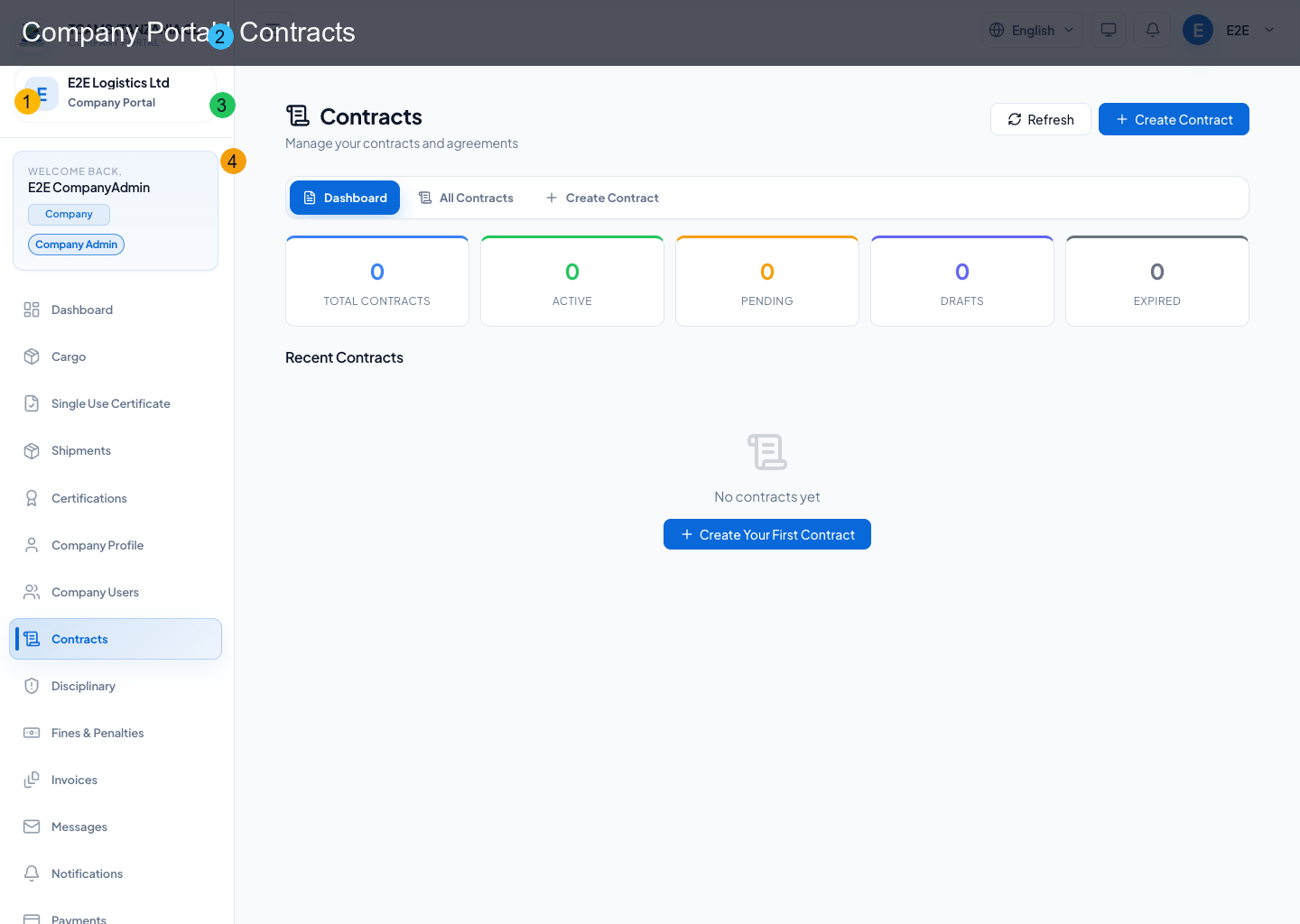
Contracts module supports lifecycle management for company agreements.
Typical actions:
- review contract status
- open contract details
- execute signature workflows
- monitor signed/pending states
Invoices
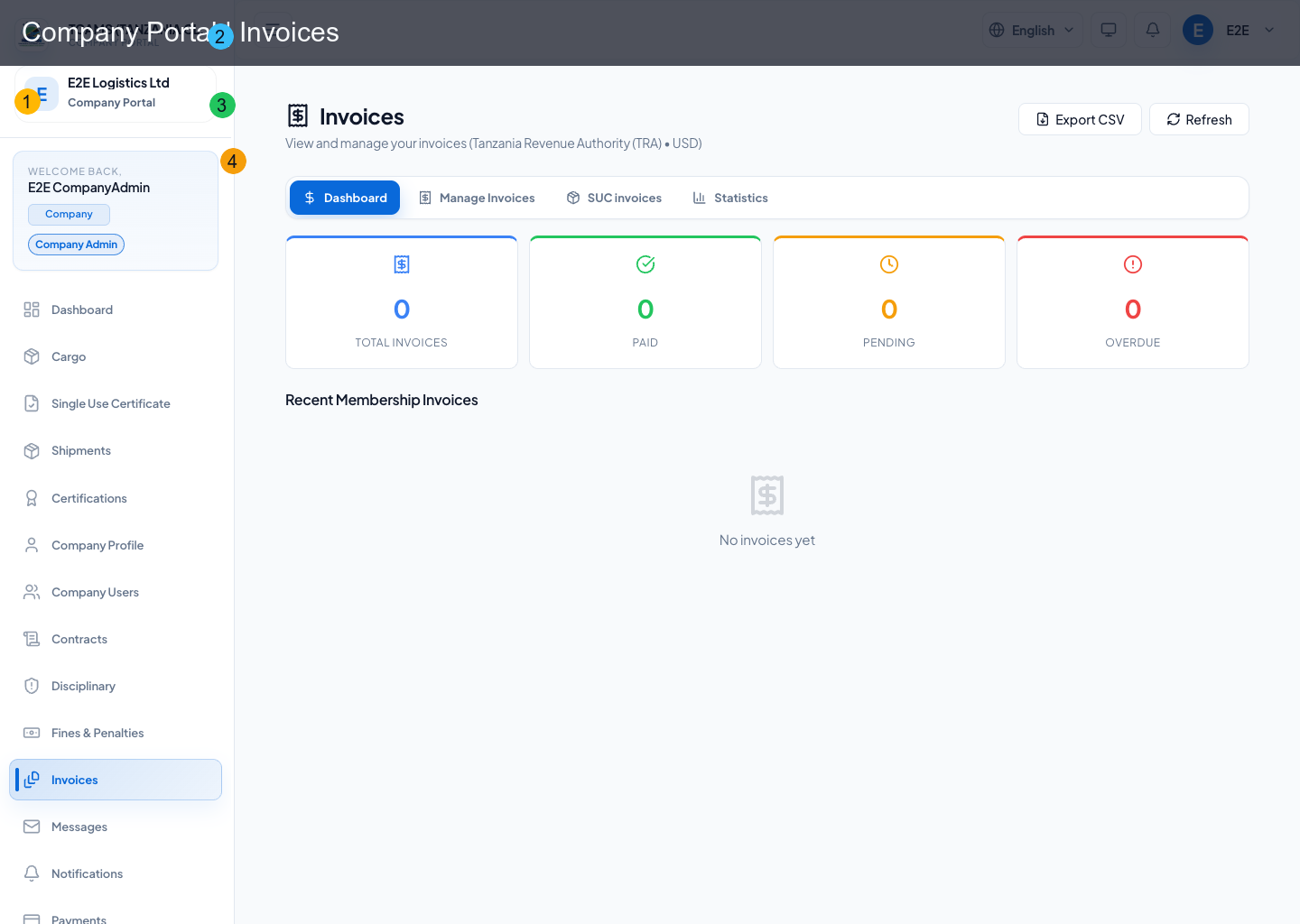
Invoice management includes operational billing visibility and payment readiness.
Core actions:
- filter/search invoices
- inspect invoice state and amounts
- download invoice PDFs where available
- pay eligible invoices through hosted checkout
- refresh invoice status after checkout callback processing
Membership invoices
Membership invoices are issued by the association and paid from the company portal. Eligible unpaid, pending, or overdue membership invoices show a payment action. The payment action opens CapitalPay hosted checkout in a new tab.
The company user does not choose currency or payment method inside TCAMS. Currency is fixed by the invoice, and payment method is selected inside CapitalPay.
Declaration invoices
Declaration invoice rows are linked to the TANCIS declaration lifecycle. Use the declaration invoice view to:
- search by certificate or invoice reference
- filter by invoice status
- inspect amount and currency
- continue payment/reconciliation actions when eligible
Payments
Payments module tracks settlement outcomes, payment references, and receipt records for finance/audit workflows.
Hosted checkout behavior:
- select Pay or Continue to CapitalPay on an eligible invoice/fine/LMS item
- TCAMS asks the backend to create or refresh the checkout session
- CapitalPay opens in a new tab
- the company selects the payment channel in CapitalPay
- CapitalPay sends a notification callback to TCAMS
- TCAMS updates the matching invoice or fee status
Payment control procedure
- Open the invoice or fee and verify company, reference, purpose, amount, currency, due date, and current status.
- Check that no payment is already pending or recorded for the same obligation.
- Start checkout once and confirm that the destination is the configured payment gateway.
- Complete the gateway steps and retain its transaction reference.
- Return to TCAMS, refresh the invoice or payment view, and compare amount, status, and timestamp.
- Download or retain the receipt according to company finance policy.
If the gateway reports success but TCAMS remains pending or unpaid, do not create another payment immediately. Reconcile using the invoice and gateway references and raise a ticket if the state does not update.
Reports
Reports provide operational and financial summaries for permitted roles (COMPANY_ADMIN, COMPANY_FINANCE, COMPANY_AUDITOR).
Compliance Scorecard
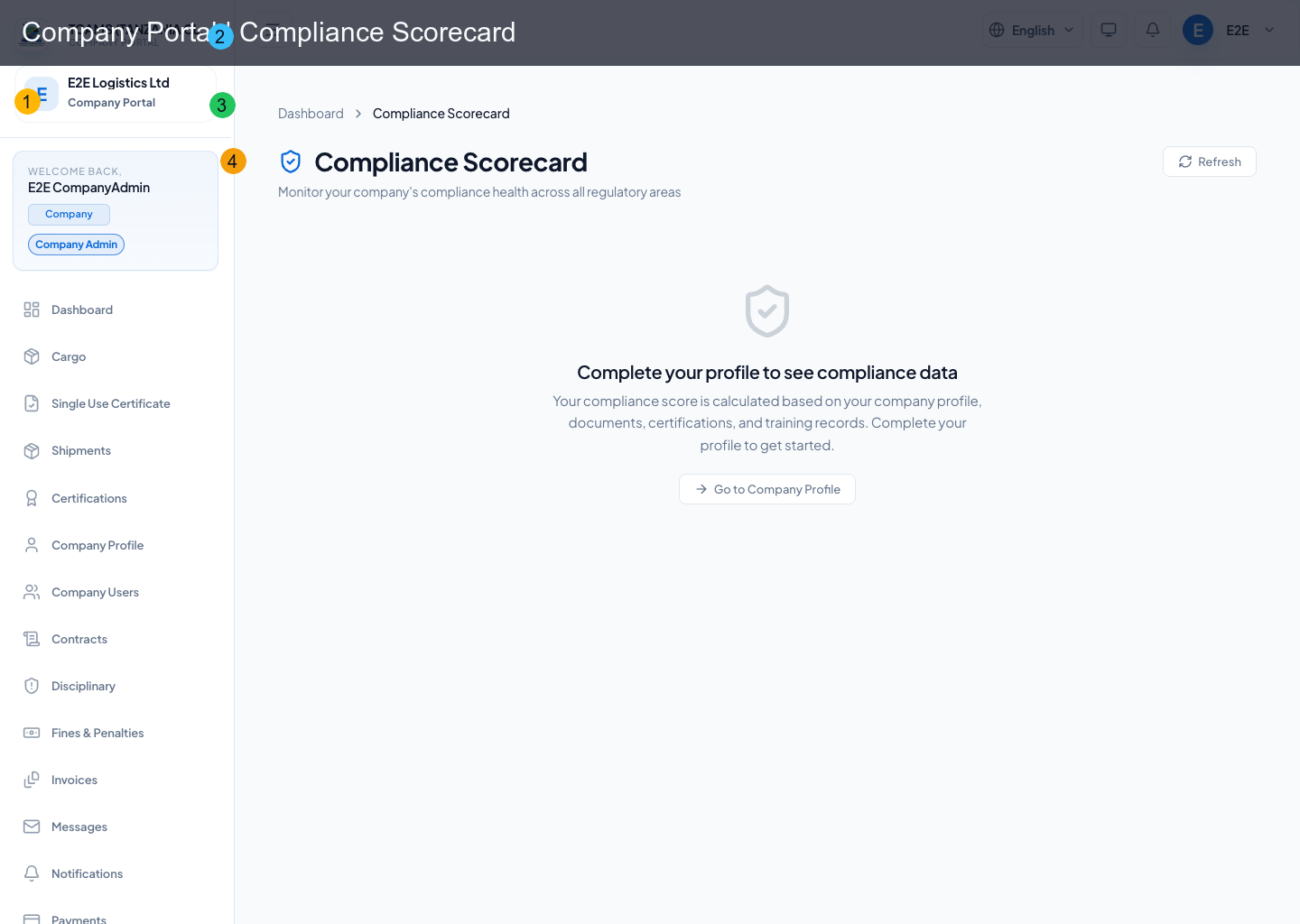
Compliance scorecard surfaces trend-based compliance indicators and operational risk posture.
Treat the scorecard as an attention queue. Open the underlying certificate, document, fine, training, or operational record before assigning remediation. Record an owner and target date, resolve the source issue, then return to the scorecard to confirm that the indicator changed.
Role Guard Notes
| Route | Typical role requirement |
|---|---|
/invoices |
COMPANY_ADMIN or COMPANY_FINANCE |
/payments |
COMPANY_ADMIN or COMPANY_FINANCE |
/reports |
COMPANY_ADMIN, COMPANY_FINANCE, or COMPANY_AUDITOR |
/disciplinary |
COMPANY_ADMIN or COMPANY_DISCIPLINARY |
/fines |
COMPANY_ADMIN, COMPANY_FINANCE, or COMPANY_DISCIPLINARY |
Fines and LMS Fees
Fines are paid from Fines & Penalties and settle to the association account configured by the association. LMS fee payments are triggered from the training/enrollment flow where a paid course requires checkout.
If a payment button is not visible, confirm that:
- the record is unpaid and payable
- the user has a finance/admin role where required
- the company has a valid phone number
- the association settlement account is configured
- the payment provider supports the invoice currency
Month-End Finance Checklist
- Reconcile issued, paid, overdue, cancelled, and disputed invoices against payment records.
- Match every settled transaction to its invoice, purpose, amount, currency, and gateway reference.
- Review outstanding membership, certificate, fine, and training obligations separately.
- Export permitted reports using the intended date range and retain them under company policy.
- Investigate duplicates, successful-but-unapplied payments, and unexplained status changes before closing the period.
- Keep evidence in TCAMS or the approved records system; do not rely on personal chat or screenshots as the only source.