Messages, Notifications, and Support
Messages
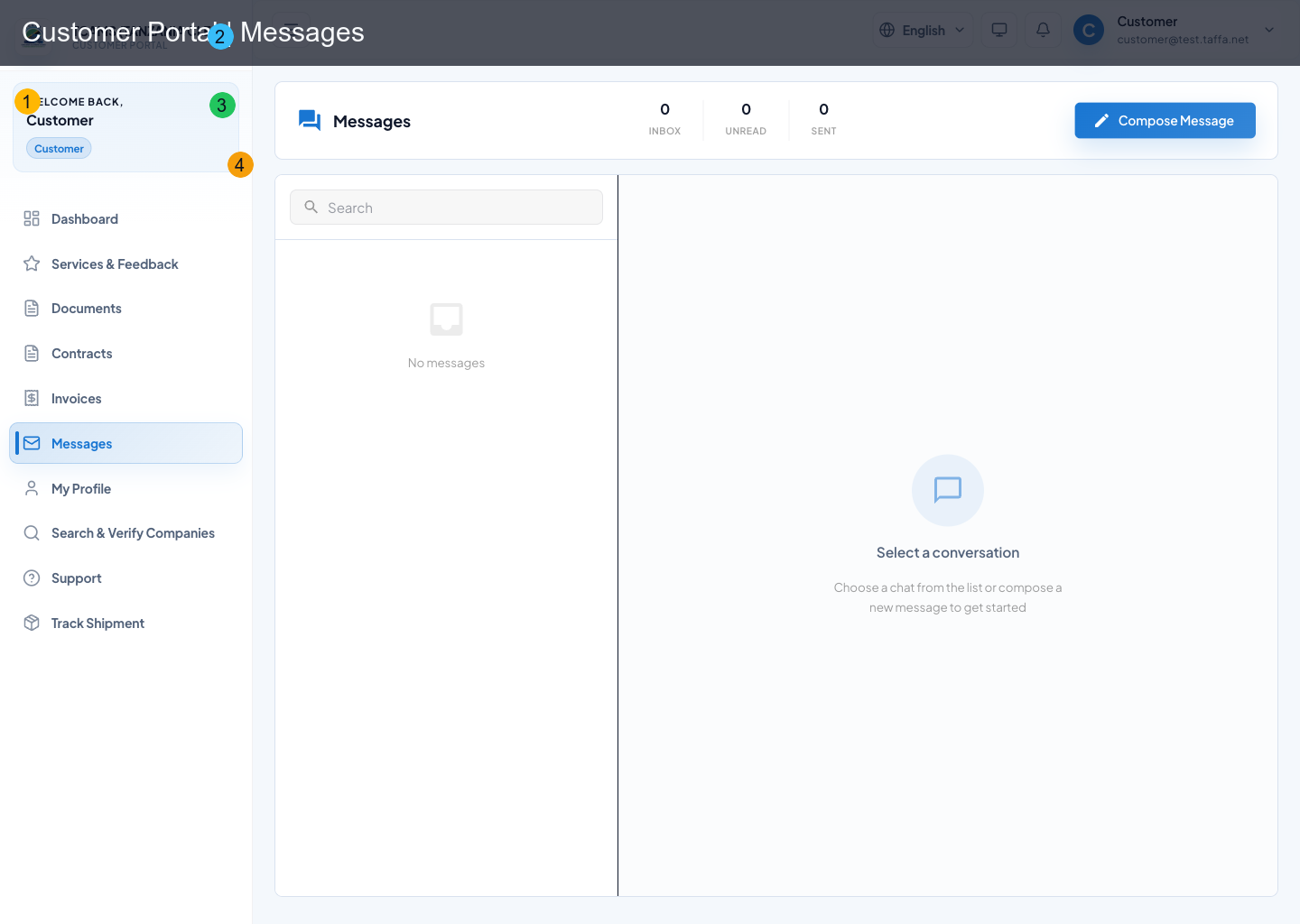
Messaging provides realtime conversation between customer users and service-side participants.
Core behavior
- inbox list with unread counts and last-message previews
- search within chats
- open chat marks unread messages as read
- websocket realtime updates for active chat
- compose a new direct chat from user search
Compose flow
- select Compose
- search recipient (minimum 2 characters)
- optionally provide subject
- send initial message to create/open chat
Use a subject and opening message that identify the declaration reference supplied by the CFA, invoice, contract, or complaint. Keep one conversation for one operating topic where practical. Before sending an attachment, verify that it belongs to the intended recipient and does not contain unrelated customer data.
Notifications
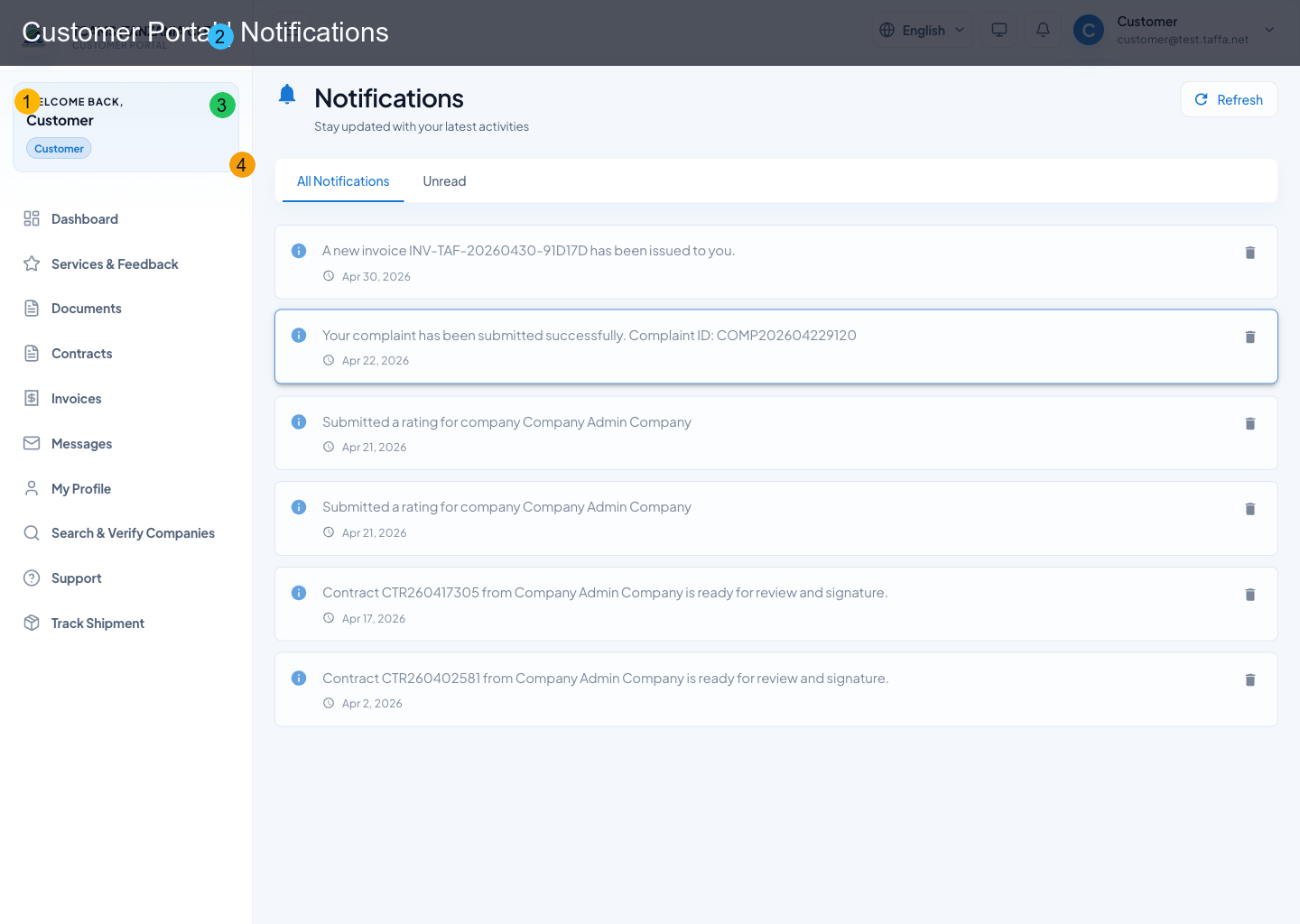
Notifications provide action-triggered alerts with direct navigation.
Available controls
- filter between All and Unread
- mark all as read
- open a notification to mark read + follow action URL
- delete individual notifications
- paginated list (20 per page)
Open actionable notifications from the list so TCAMS can mark them read and preserve the deep link. A notification is an alert, not the authoritative record: confirm the destination page status before paying, uploading, disputing, or closing work. Delete a notification only when its underlying action has been handled or is no longer relevant.
Support Center
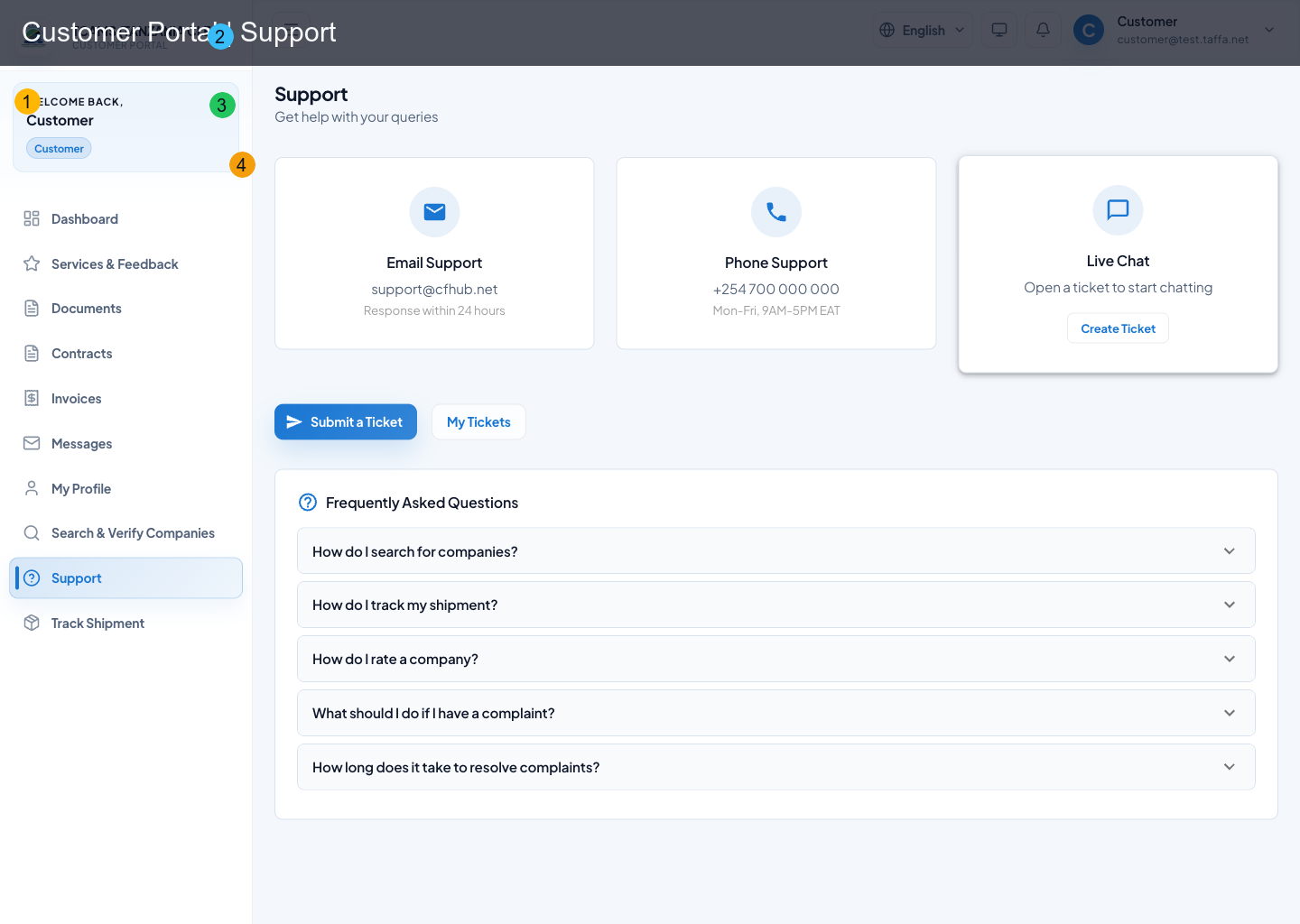
Support includes FAQs, ticketing, and live follow-up on opened tickets.
Views
- Home: FAQ cards and support entry points
- Tickets list: filter by status/category, pagination
- Ticket detail: timeline/messages and reply box
Ticket lifecycle actions
- create ticket with subject, description, category, priority
- open existing ticket and review history
- send replies while ticket is open/in-progress
- track assignment and latest activity
Create an effective support ticket
- Search the FAQs first for a known access or workflow answer.
- Select the category closest to the affected function and choose priority based on business impact, not convenience.
- Write a short subject containing the module and record reference.
- In the description, include what you attempted, the expected result, the actual result, the exact time and time zone, and whether retrying changed anything.
- Attach a screenshot that excludes passwords, one-time codes, payment credentials, and unrelated personal data.
- Submit once, note the ticket number, and use the ticket thread for every follow-up.
When support asks for more information, reply in the existing ticket. Confirm resolution in the affected module before treating the ticket as complete.
Note
Closed/resolved/cancelled tickets are read-only for replies.