Discovery and Shipment Tracking
Search Companies
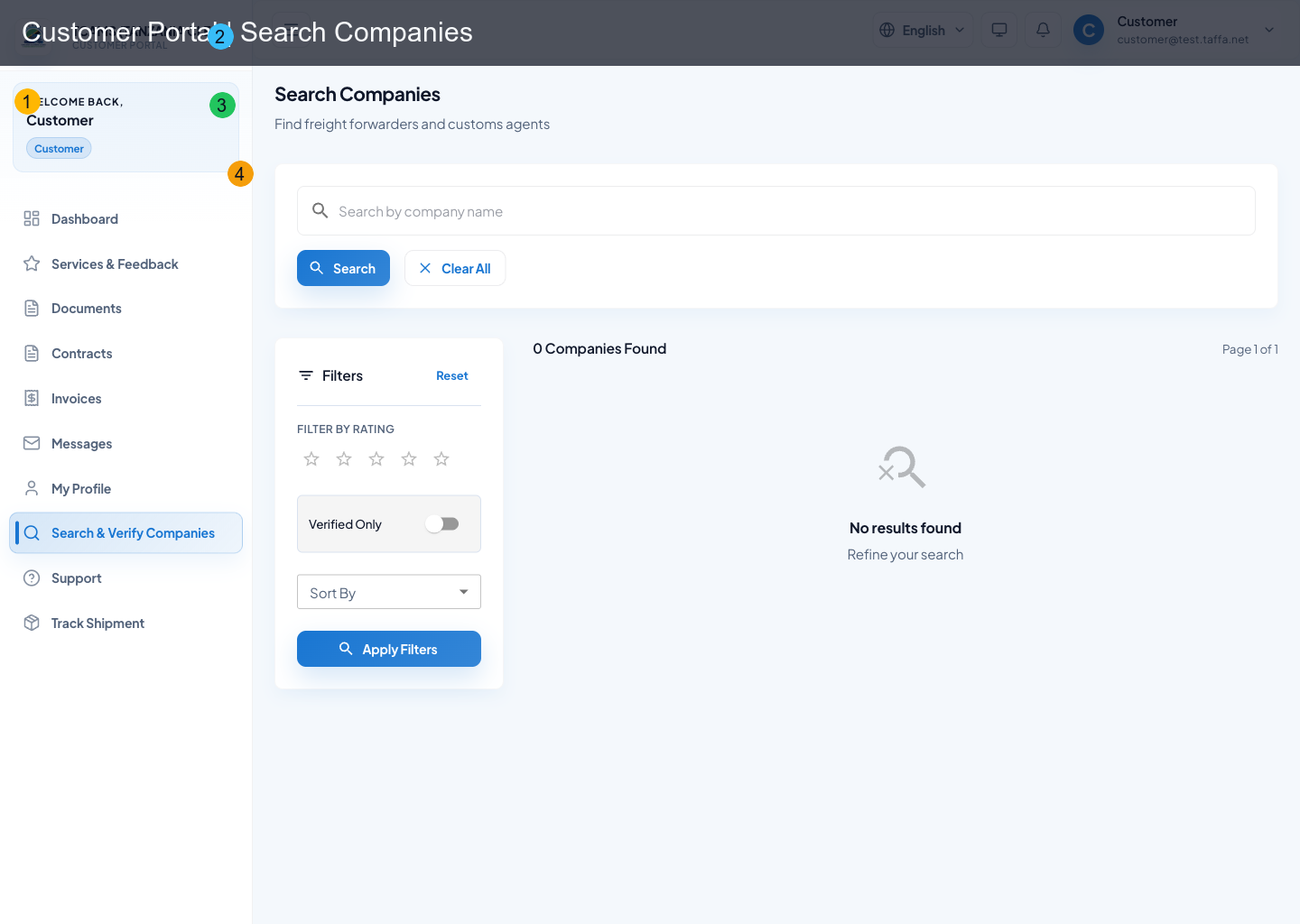
Use Search Companies to discover and evaluate companies before engaging.
Search behavior
- minimum query length is 3 characters when typing search text
- empty query is allowed to browse the directory
- pagination is built into results
Available filters
- location
- service
- minimum rating
- verified-only toggle
- sort options (relevance, name, rating, shipments, newest)
Result details
Selecting a company opens richer details including:
- verification/compliance status
- compliance badges and certificates
- listed services and profile description
- shipment and rating history indicators
Track Shipment
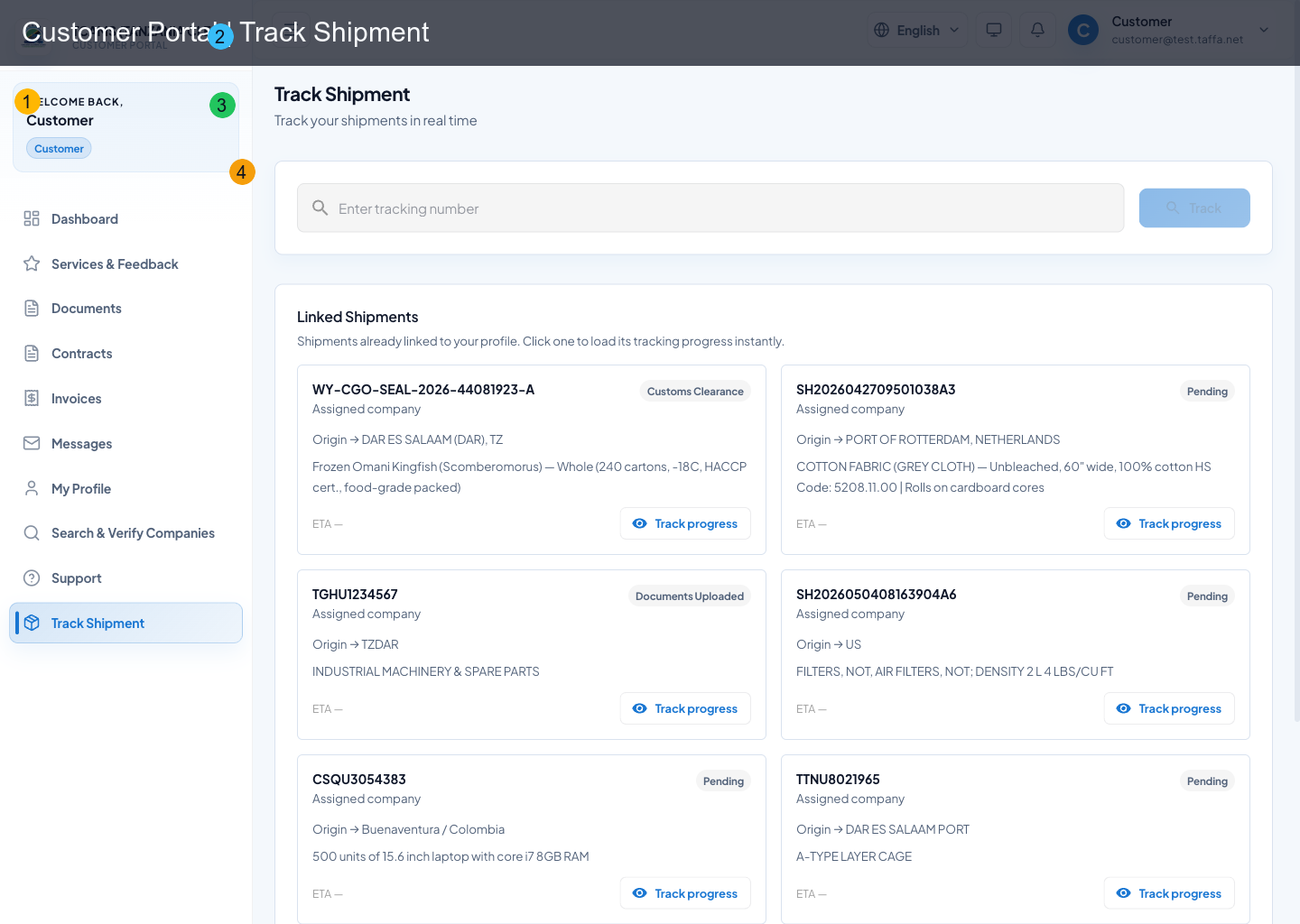
Track by shipment/tracking ID or load directly from linked shipments.
Tracking workflow
- enter tracking number and select Track
- or pick an item from Linked Shipments
- review shipment overview and route
- inspect milestones and status history
- open related documents/contracts when available
Data shown in tracking view
- shipment status and identifiers
- origin/destination and ETA
- carrier, mode, vessel/voyage, container details
- shipper/consignee/notify party
- estimated timeline milestones
- status event history
- linked document/contract records (subject to permissions)
Services and Feedback
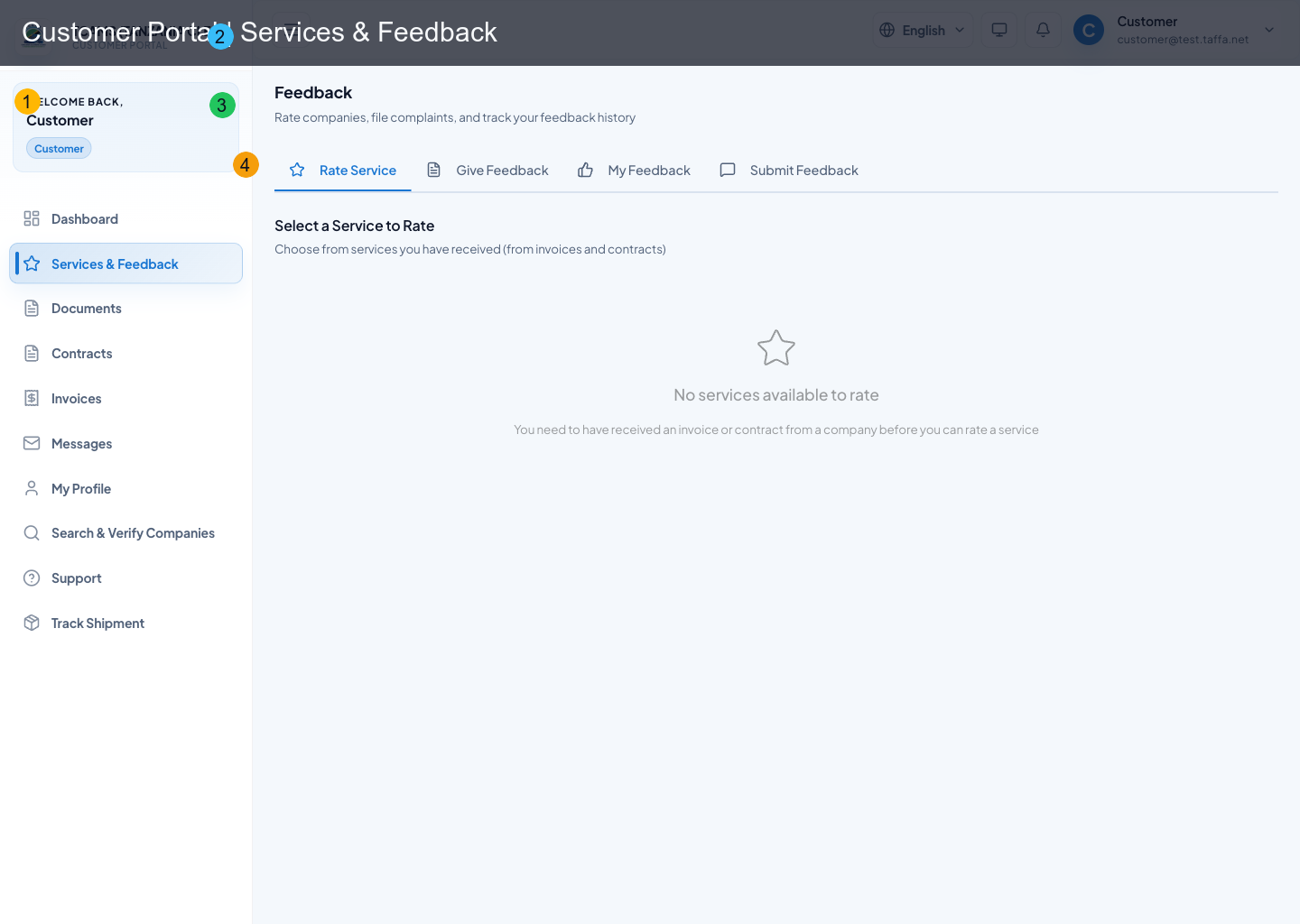
This module consolidates customer quality interactions into one workspace.
Available tabs
- Rate service
- File complaint
- My ratings
- My complaints
Key actions
- submit rating with overall + category scores
- submit complaint with type/priority/details
- attach evidence files for complaints
- search/filter ratings and complaints history
- edit or delete existing ratings
- open complaint progress trail and submit dispute reason when needed