Platform User Guides
This section provides role-based walkthroughs for daily platform use.
Choose Your Portal
- Association users: use your association portal URL
- Company users: use your company portal URL
- Customer users: use your customer portal URL
- LMS learners: use your LMS learner portal URL
Sign-In Entry Screen
Use your role account email and password on the shared identity sign-in page.
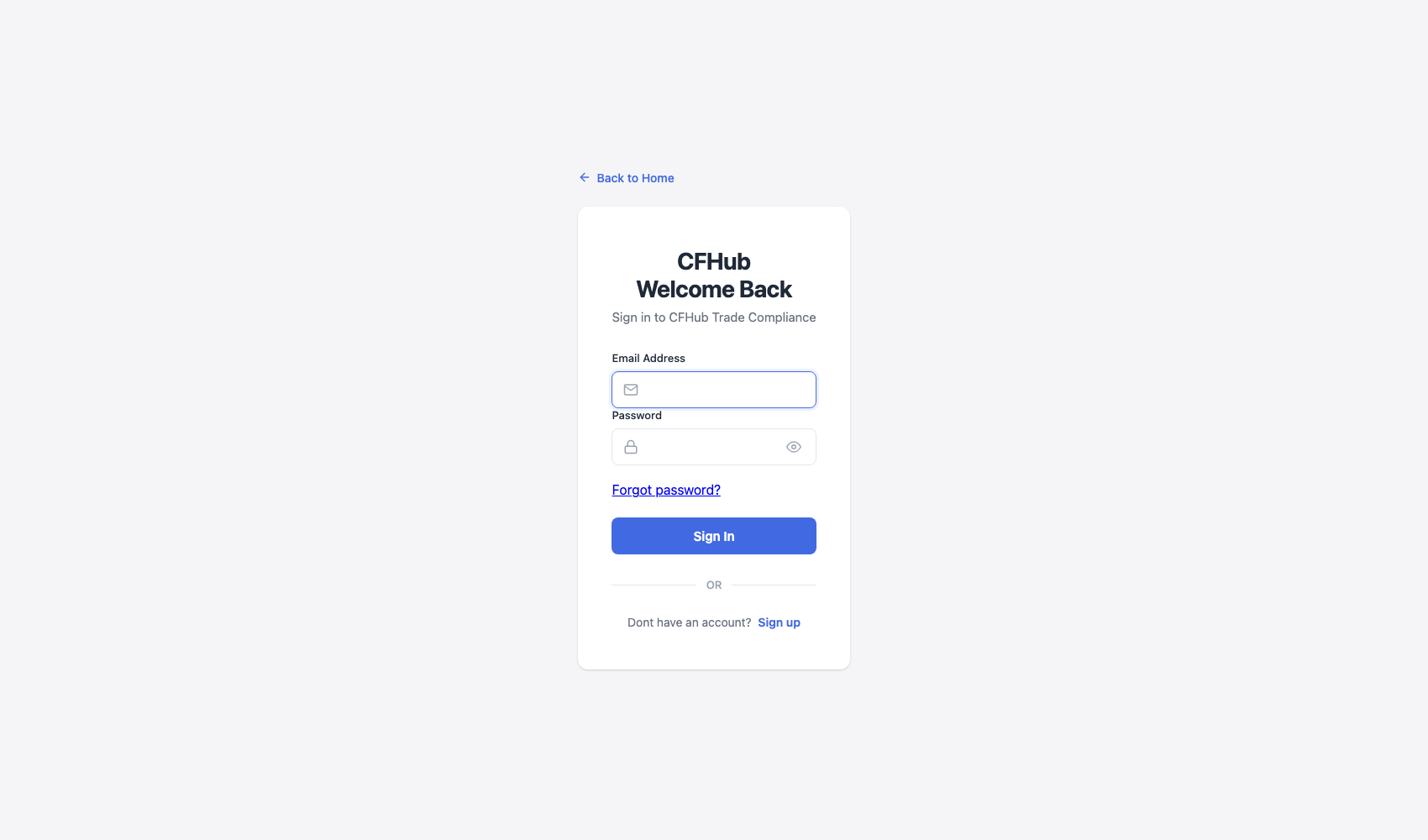
Step Checkpoint - Use as reference: The screenshot above shows the standard sign-in experience across portal roles. - Expected result: valid credentials route the user to the correct role dashboard. - If different: verify portal URL and account role, then retry sign-in.
How To Use This Guide
- Start with the page for your role.
- Follow steps in order for each workflow.
- Use troubleshooting notes when a screen shows an error banner.
Role Guides
- Customer workflows:
/guides/customer/journey//guides/customer/support-billing/- Company workflows:
/guides/company/onboarding//guides/company/operations//guides/company/finance-training/- Association workflows:
/guides/association/governance//guides/association/operations-compliance//guides/association/finance-reports-lms/
Environment Scope
These walkthroughs use seeded sample data so pages display realistic records for training and onboarding.